When a player record is not created through a tryout or program registration, then you can add players to Byga either individually or though a bulk upload.
Byga Player Management starts in Admin → Players where players can be added to the system.

From the Club Players screen, players can be searched (using part of the player’s name) or added.
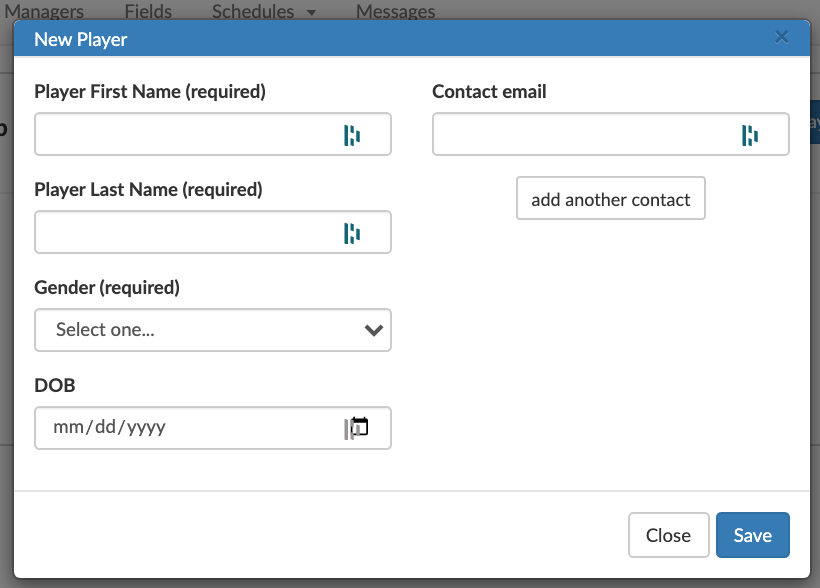
A player can be added individually using the +Add Player button.
Required data fields:
- First Name
- Last Name
- Gender
- DOB
Optional data fields:
- Contact email
- Additional contact emails